
Install the Asale client
One desktop app for both sides of the trade: share the quota you are not using, or route a tool at the market. Or install nothing at all and point your code at the cloud gateway.
Desktop client
Both sides of the trade. Selling needs it; for buying it rewrites the config of Claude Code, Codex and Gemini CLI for you.
v1.1.5 · Free and open source. What is metered is the traffic, never the app.
Install from a terminal
One line, no desktop needed. On a box with no screen this is the only install that works — the whole interface lives on localhost.
Use the cloud endpoint directly
Nothing to install. Change the base URL and the key in your OpenAI, Anthropic or Gemini client; the rest of the code stays exactly as it is.
Base URL — the line for the SDK you hold
- OpenAIhttps://gw.asale.ai/v1
- Anthropichttps://gw.asale.ai
- Geminihttps://gw.asale.ai
Auth — any one of the three headers, on any endpoint
Authorization: Bearer sk-asale-...
x-api-key: sk-asale-...
x-goog-api-key: sk-asale-...What you get
Four screens do the work. Everything below is the client itself, in this language.
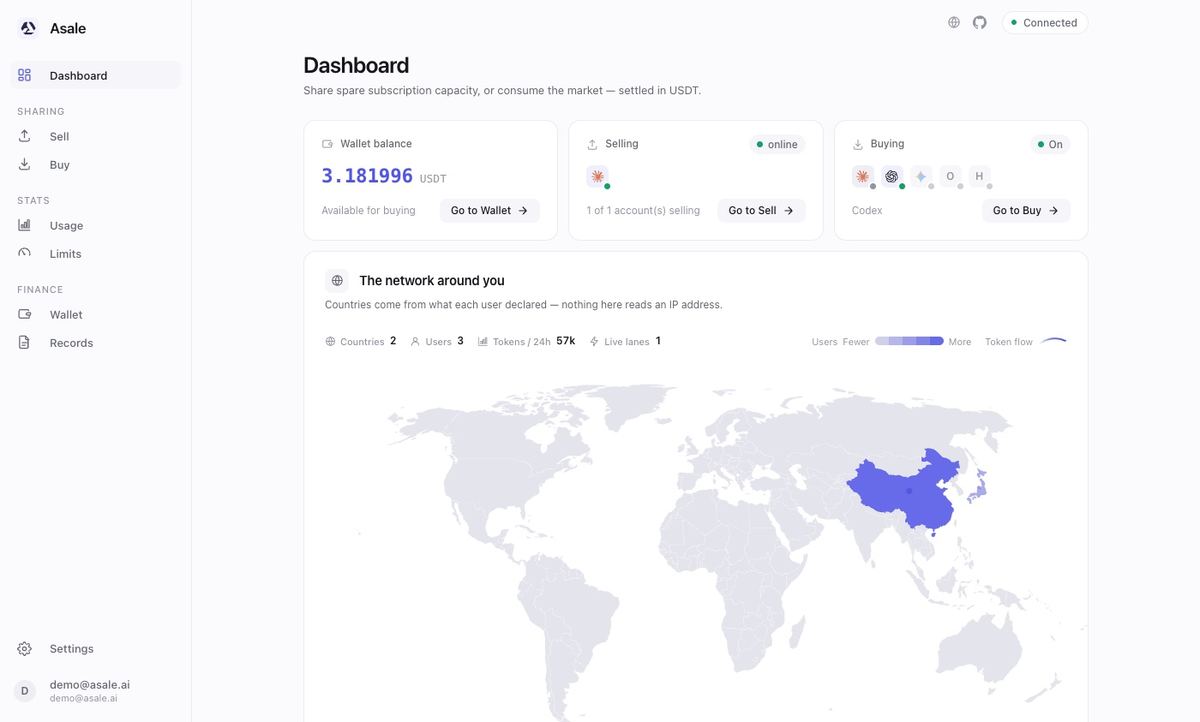
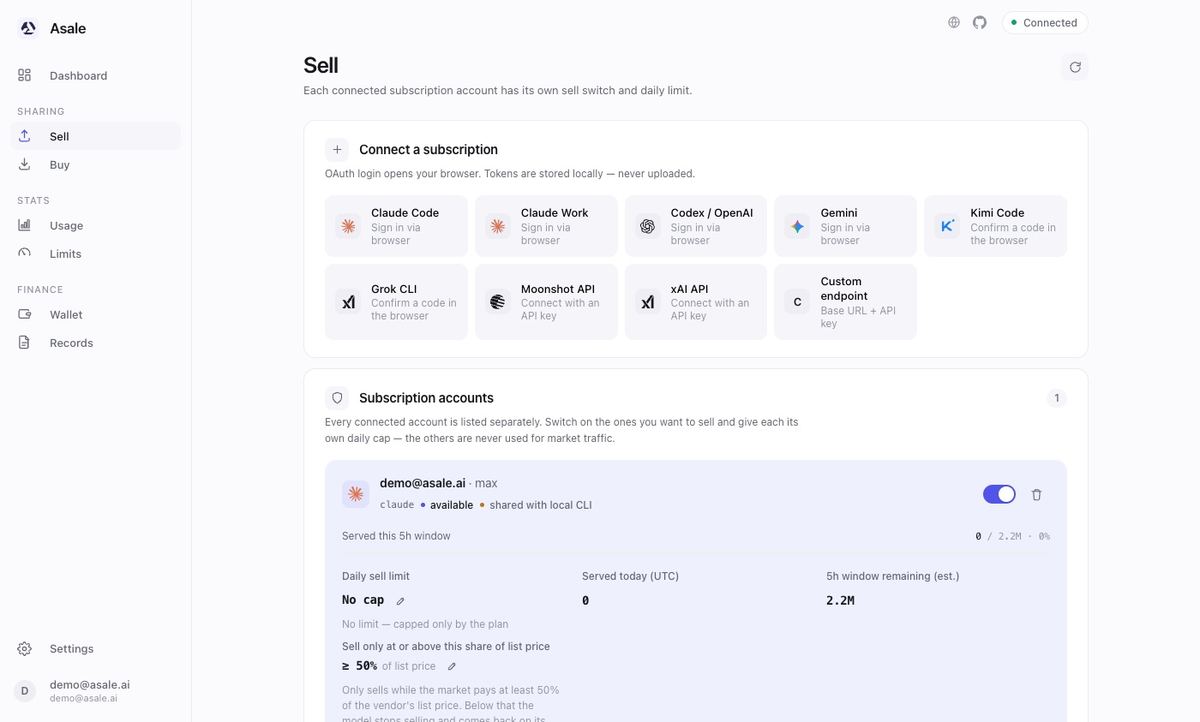
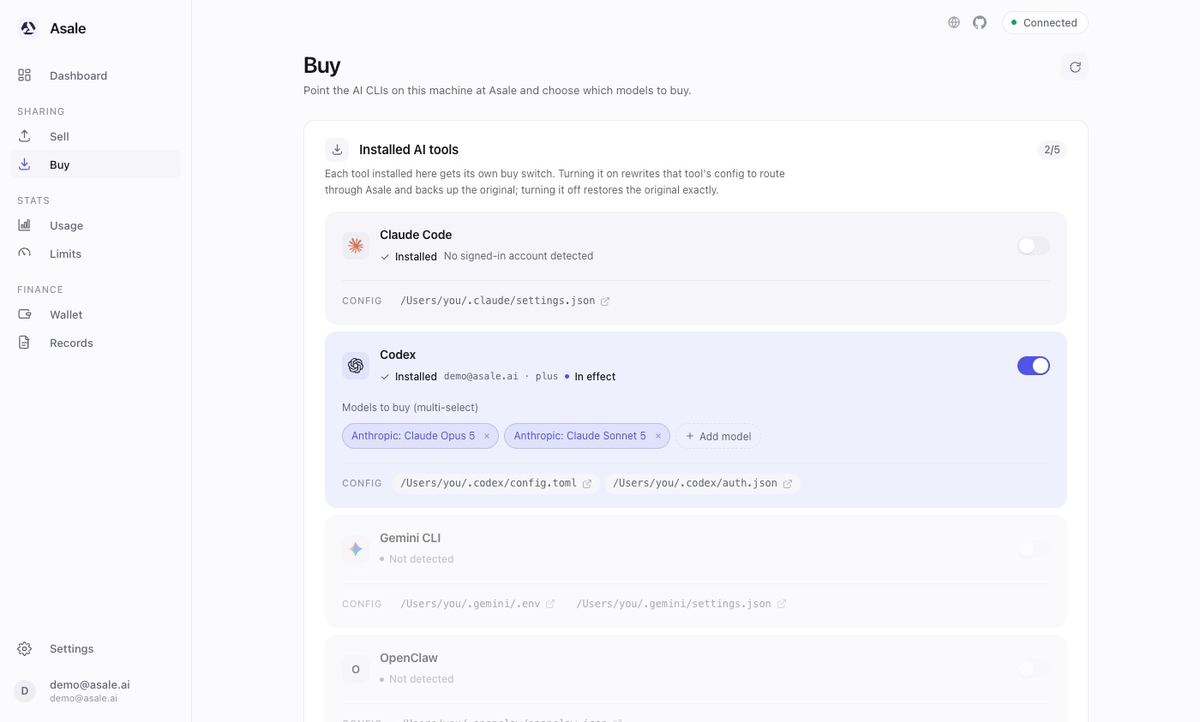
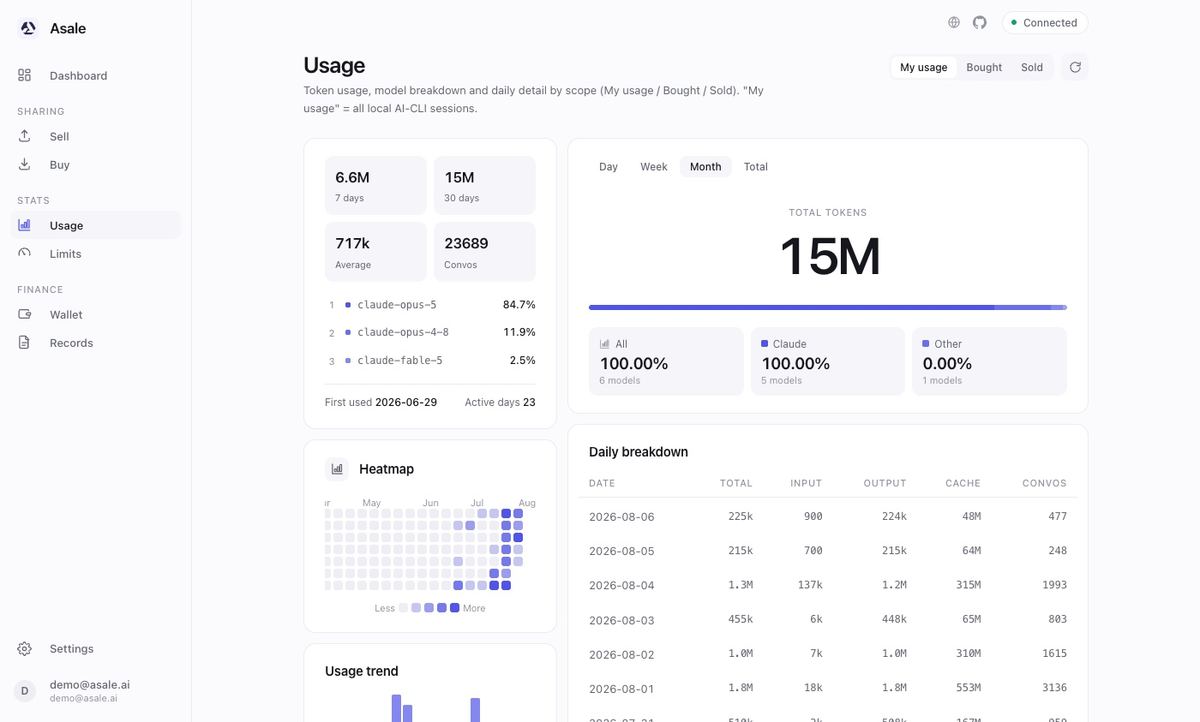
After it is installed
QuickstartEarn from an idle subscription, or buy your first tokens — five minutes either way.Selling tokensWhich plans are worth listing, and how to cap them safely.Buying tokensRoute a tool at the market and keep your own subscription first in line.TroubleshootingIt will not start, it will not sign in, the lane will not go online.